Just one line is enough to read a story
- Write one idea; AI suggests tone, point of view and length
- Read as it writes, with a few "what happens next" choices after each part
- Rewrites keep versions; stop any time and nothing written is lost
Turn outlines into scenes, return to earlier drafts, track characters and plot threads, and check for inconsistencies. NovelKnow brings your manuscript, story bible, outline, and AI assistant into one workspace, so you can focus on the story.
Get 150,000 AI credits when you sign up, valid for 14 days. After the trial, editing and AI require a subscription, including with your own API key. You can still read and export your work.
Your story stays in your hands
Choose your AI model
Use the available hosted models or connect your own API key.
Take your work with you
Export your manuscript, story bible, and outline. Reading and exporting remain available after your trial.
You decide what changes
Review AI proposals and manuscript differences before accepting edits.
Read a story right away; when you want to take it seriously, turn it into a full project in one click.
Quick Story → full project Every part and character moves into the workspace as-is.
Start with what you have and find your next step.
Start with scattered ideas, explore a direction, and gradually shape a plan for your story.
Bring your story beats and dialogue, develop scenes with character context, then refine them your way.
Import your manuscript, review chapters, characters, and unfinished threads, and find where to pick up.
Check for inconsistencies, review suggested edits and differences, and decide what to keep.
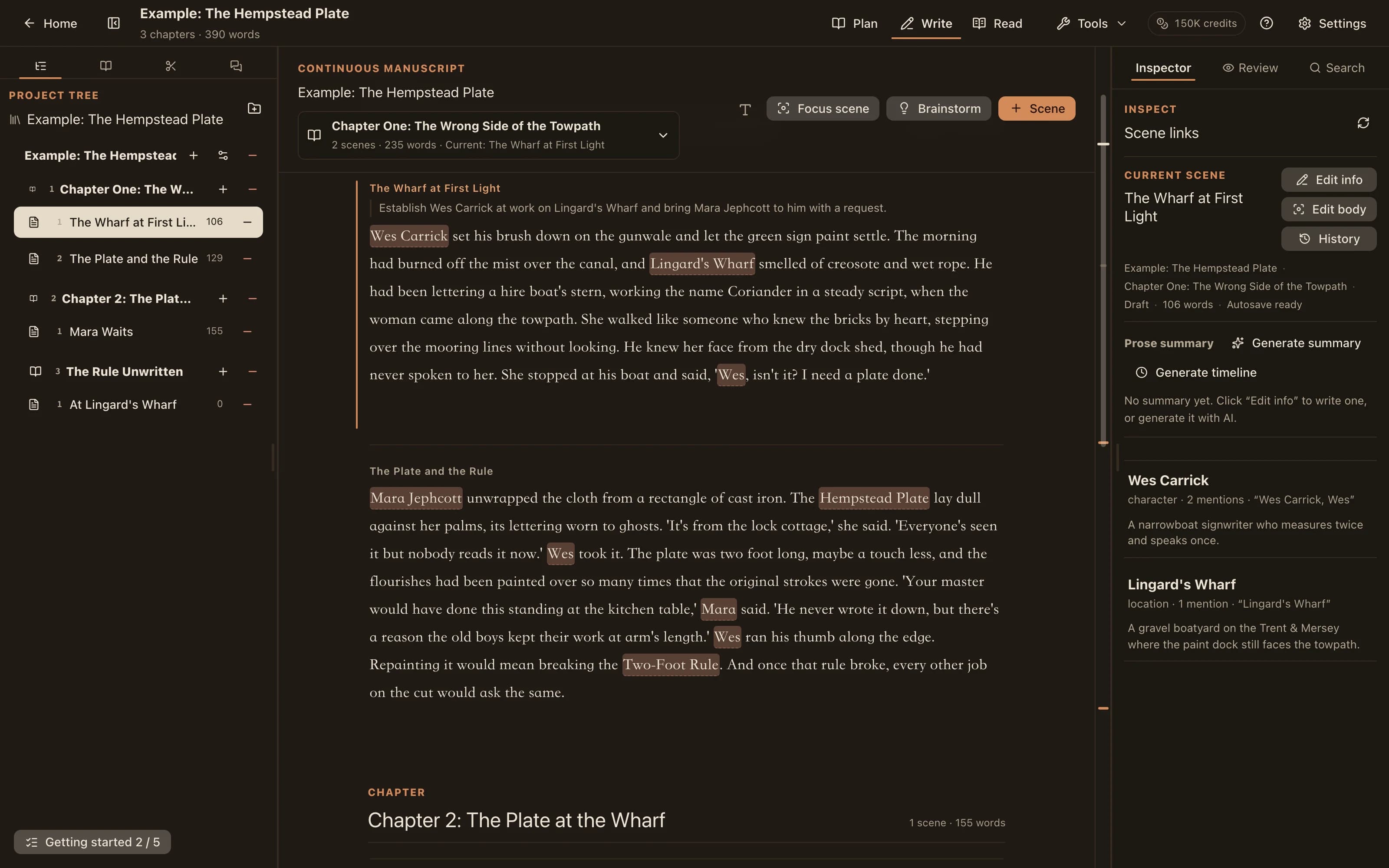
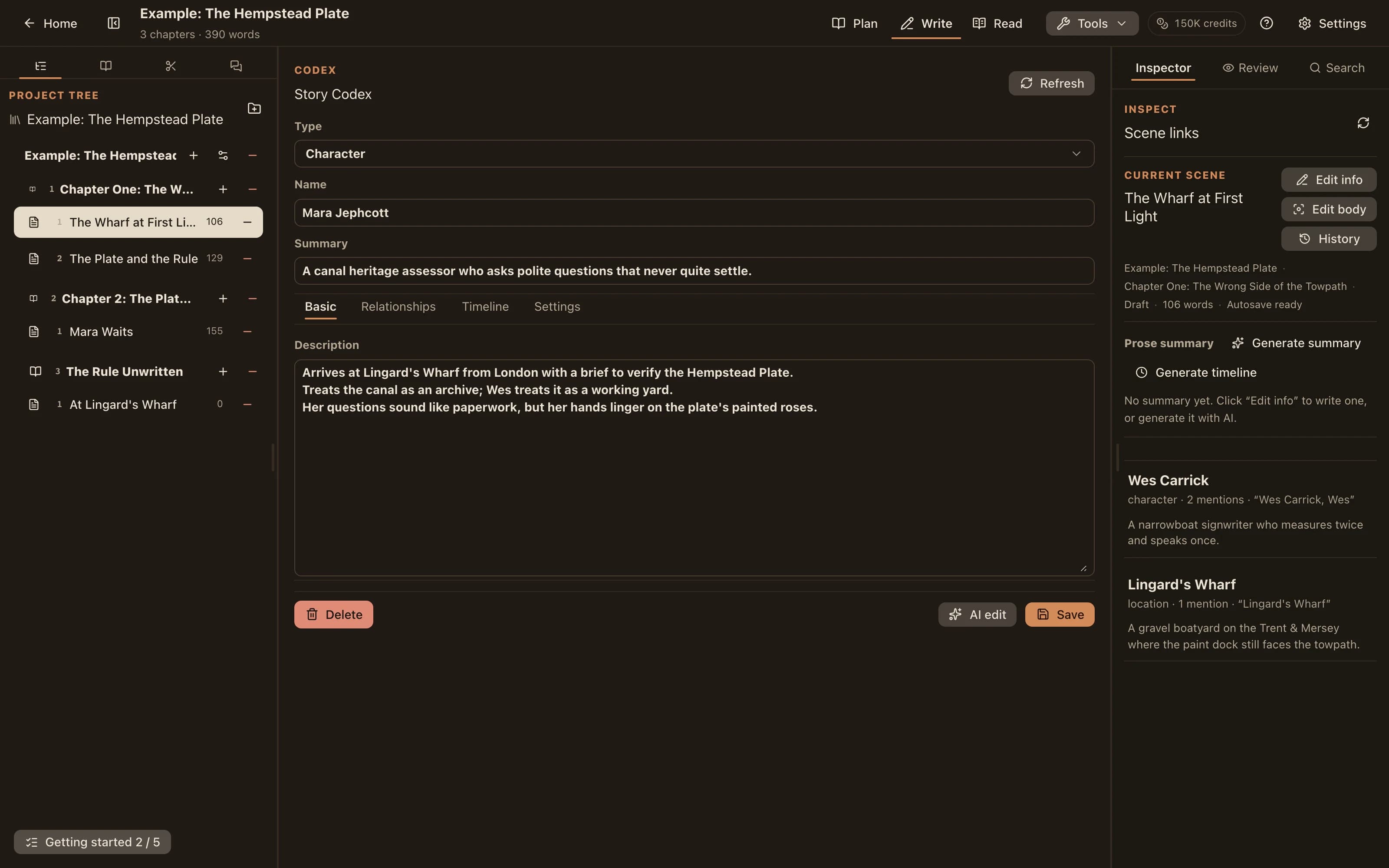
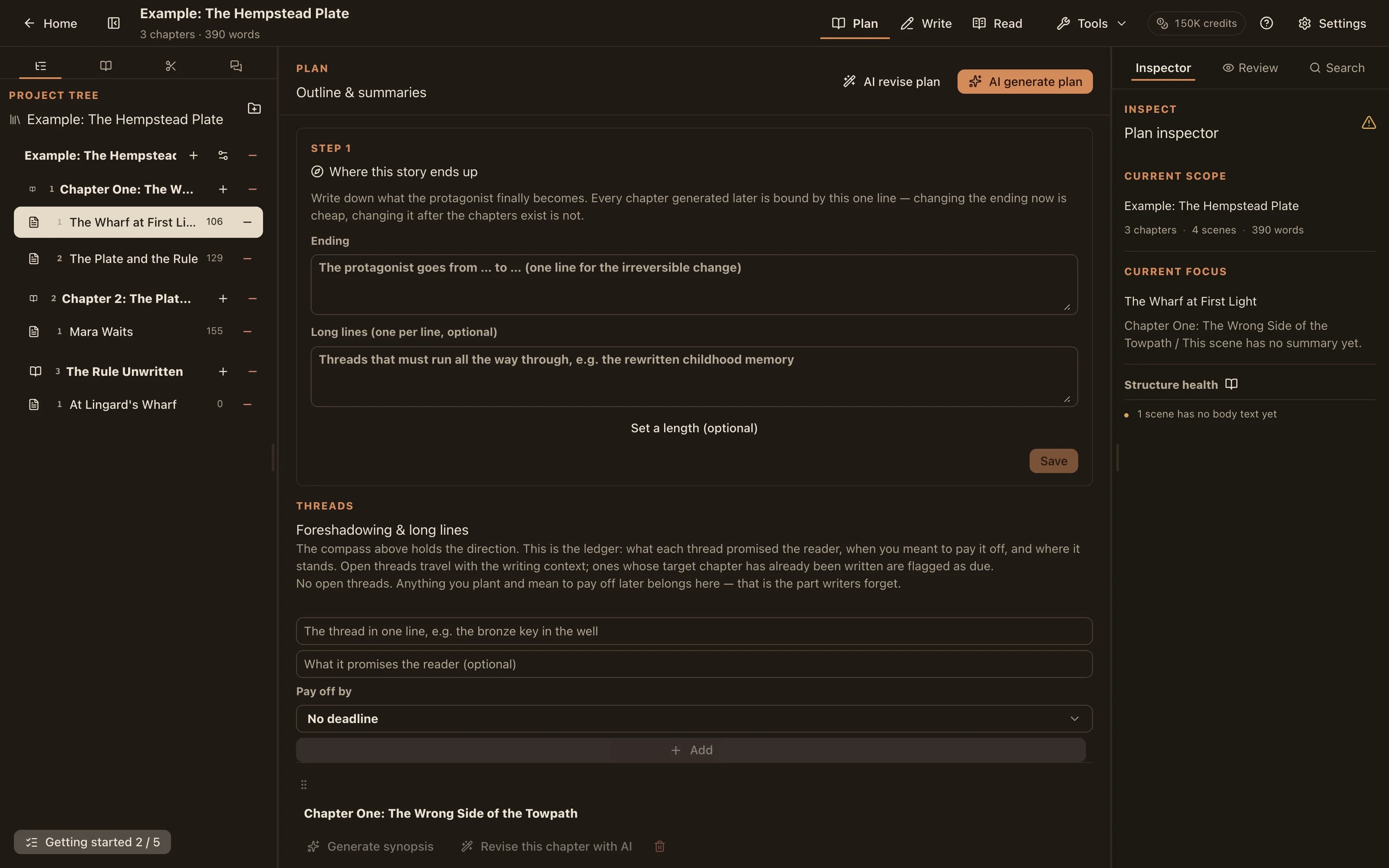
Organize your manuscript, story bible, and outline in one project. These are real views of the built-in sample project.
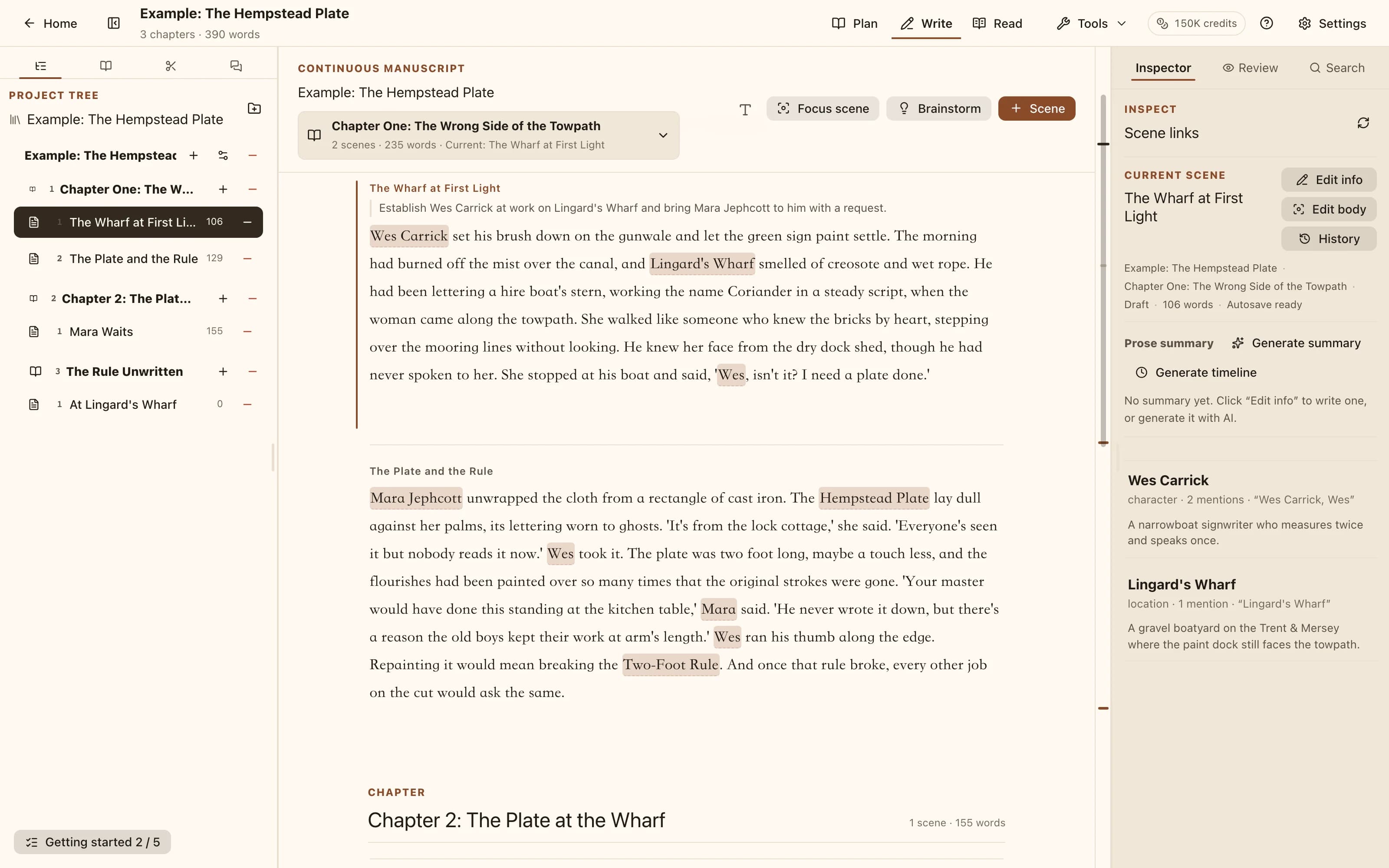
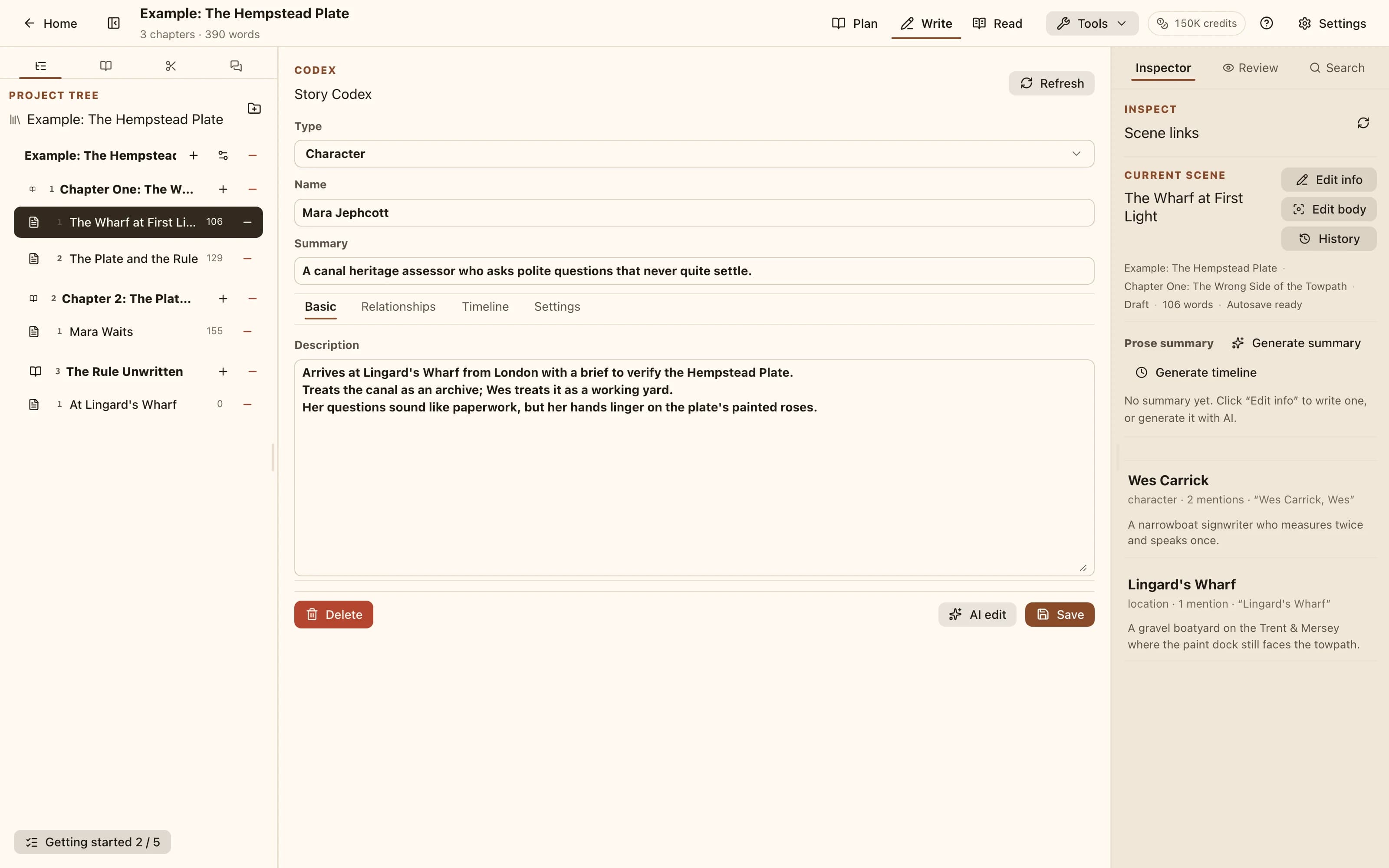
Bring your characters and world together
Organize characters, places, organizations, and lore as entries with aliases, ready to find and use as relevant AI context.
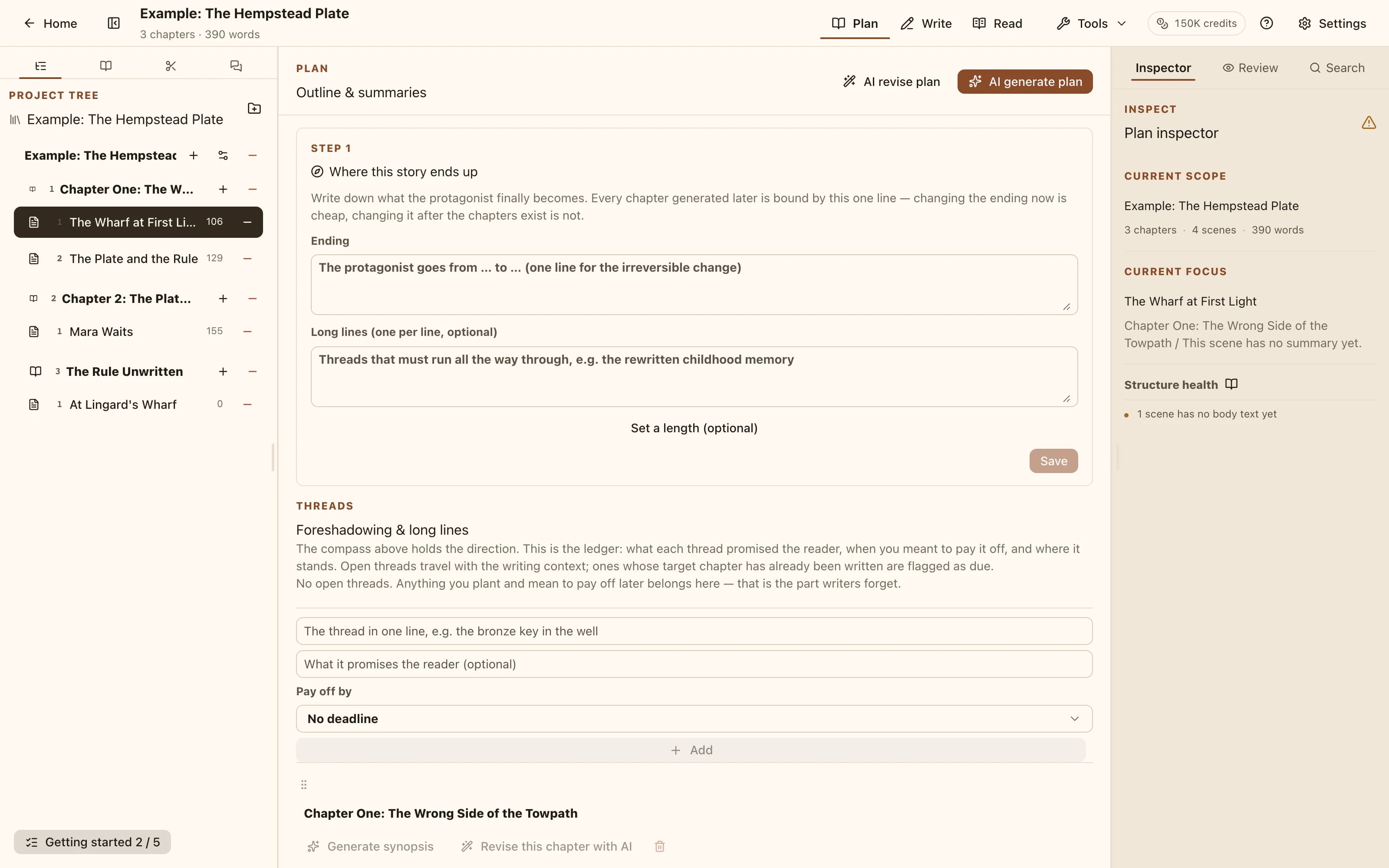
Give each chapter and scene a direction
Keep chapter and scene summaries alongside your prose. Plan them yourself or review an AI proposal before adding it to your project.
Build on the manuscript, story bible, and history you already have.
Also includes chapter and scene organization, word counts, 10 interface languages, and light and dark themes.
Bring an idea, an outline, or an existing manuscript and take the next step. You can also explore the sample project to get familiar with the workspace.
Try free for 14 daysWe use analytics cookies to see which pages help writers find us.
Never your manuscript — pages inside the writing workspace are not tracked. Privacy policy