Generating prose and planning with AI
The two main AI paths: plan first, or just write.
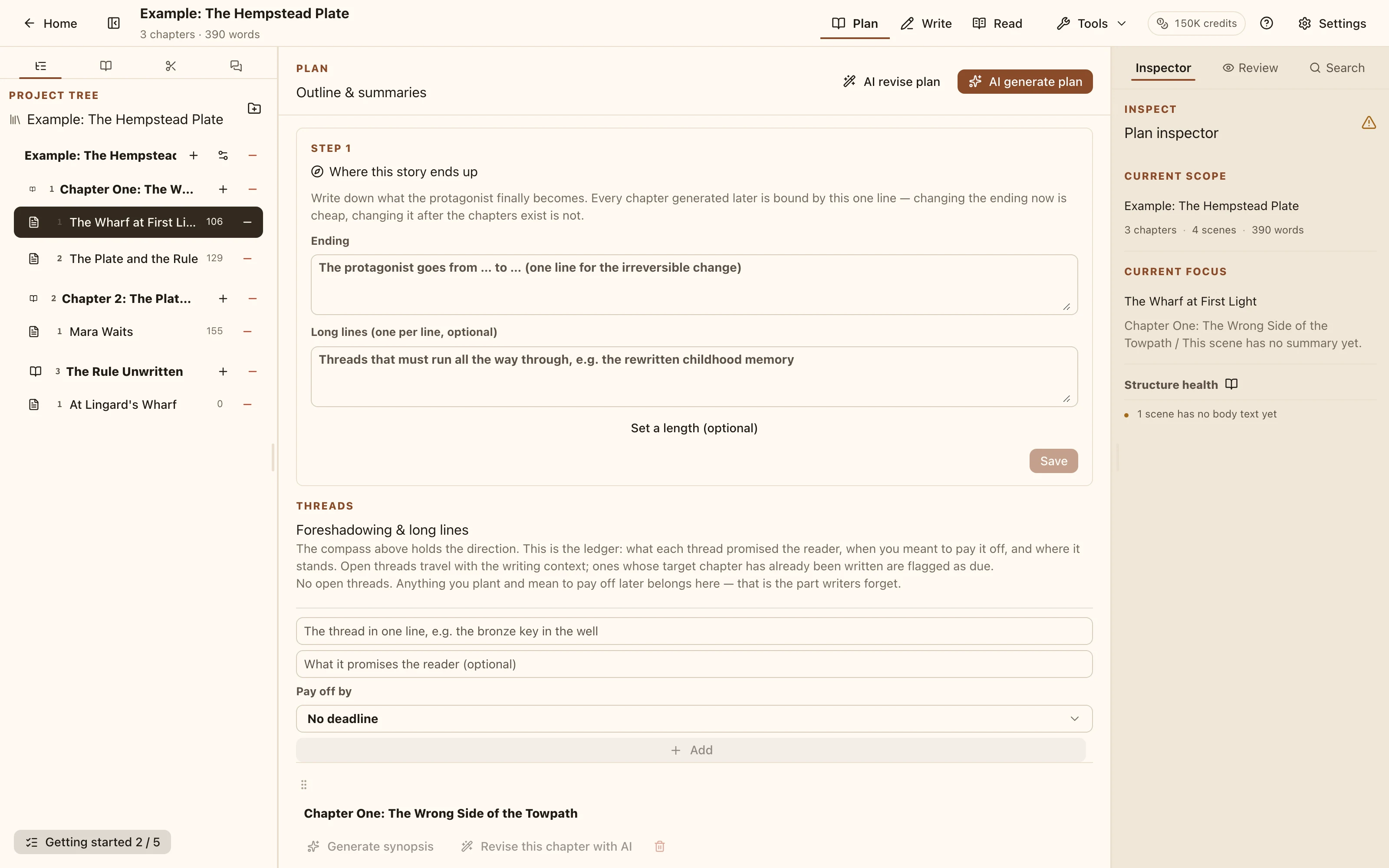
Plan workspace The workspace has three modes: Plan / Write / Read. The first two are the two AI paths.
When to plan
Use Plan for a new project, a new volume, or whenever you know the direction but not the chapter breakdown.
"AI 生成规划" works two ways:
- Progressive planning — a chapter skeleton first; once you're happy with it, expand each chapter into scenes. Good for building a whole book's structure from nothing.
- Scene draws — draw 3–5 scene directions at a time and keep the one you like. Good for when you're stuck on what happens next.
Neither touches your project until you click apply. Generating, adjusting and redrawing have no side effects.
Applying opens a state-sync confirmation listing the character state changes the AI suggested. That step makes no further AI calls — you can edit it, delete entries, or skip it entirely with "仅应用规划".
When to just write
If the structure exists, switch to Write.
- Caret in the text → "生成" continues from there.
- Select a passage → rewrite / expand / shorten / describe / expand-beats-to-prose.
Afterwards you get keep / regenerate / discard. Discard restores the passage exactly, formatting included, so trying things costs nothing.
Writing plan cards
The generation dialog has a "先抽写作方案" toggle. With it on, the AI first offers three different approaches (strategy, ordered steps, final landing point); pick one, tweak it if you like, then have it write to that plan.
Useful when a passage matters and you don't want the AI improvising. The cards are transient request context — they are never written into your scene summary or prose.
Target length
You can give a target word count. It's a tendency, not a hard limit; real output lands nearby.
Advanced options
Collapsed by default: style-material filtering and sampling-temperature override. Ignore them at first; come back once you have a style profile.